Environment 15.0 is a release we genuinely enjoyed building. It focuses on making everyday landscape workflows in Revit clearer, faster, and far more connected. This version brings three major upgrades: a new planting mix workflow, redesigned topography analysis tools, and much smoother workflows for site modeling with Alignment & Topography Tools, plus overall performance improvements.
For years, users of Environment for Revit have leveraged its powerful Color Analysis tools to visualize terrain slope and elevation data directly onto their terrain models. These tools, available since early 2021, generate a colored mesh that beautifully maps information, such as topography slopes and elevation ranges. However, the triangles or facets of the underlying analysis mesh remained conspicuously visible, often detracting from the clarity and professionalism of the analysis results.
Like every new release, Environment for Revit v14 comes with bug fixes and performance enhancements. But this time, there are several key updates and exciting new features that truly shine!
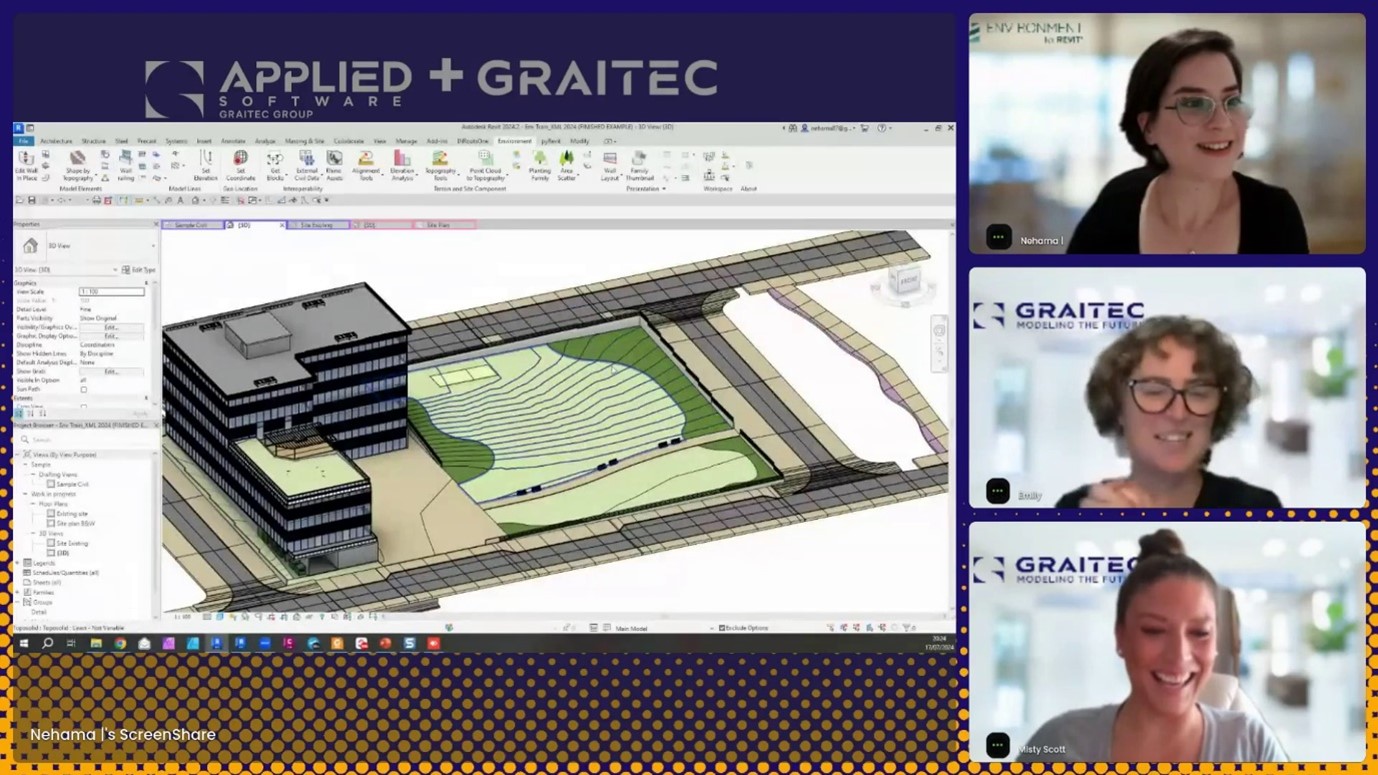
Earlier this month, Graitec and Arch-Intelligence hosted a joint webinar- an open-hour session all about topographies in Revit, featuring a Q&A with Graitec’s own Revit expert Emilly Modderman and with Nehama Shechter-Baraban from Arch-Intelligence the creators of Environment for Revit®. In this live session, Misty Scott hosted a vibrant discussion about everything and anything Topography in Revit whether it’s with Revit native tools or including the dedicated Environment for Revit® toolset.
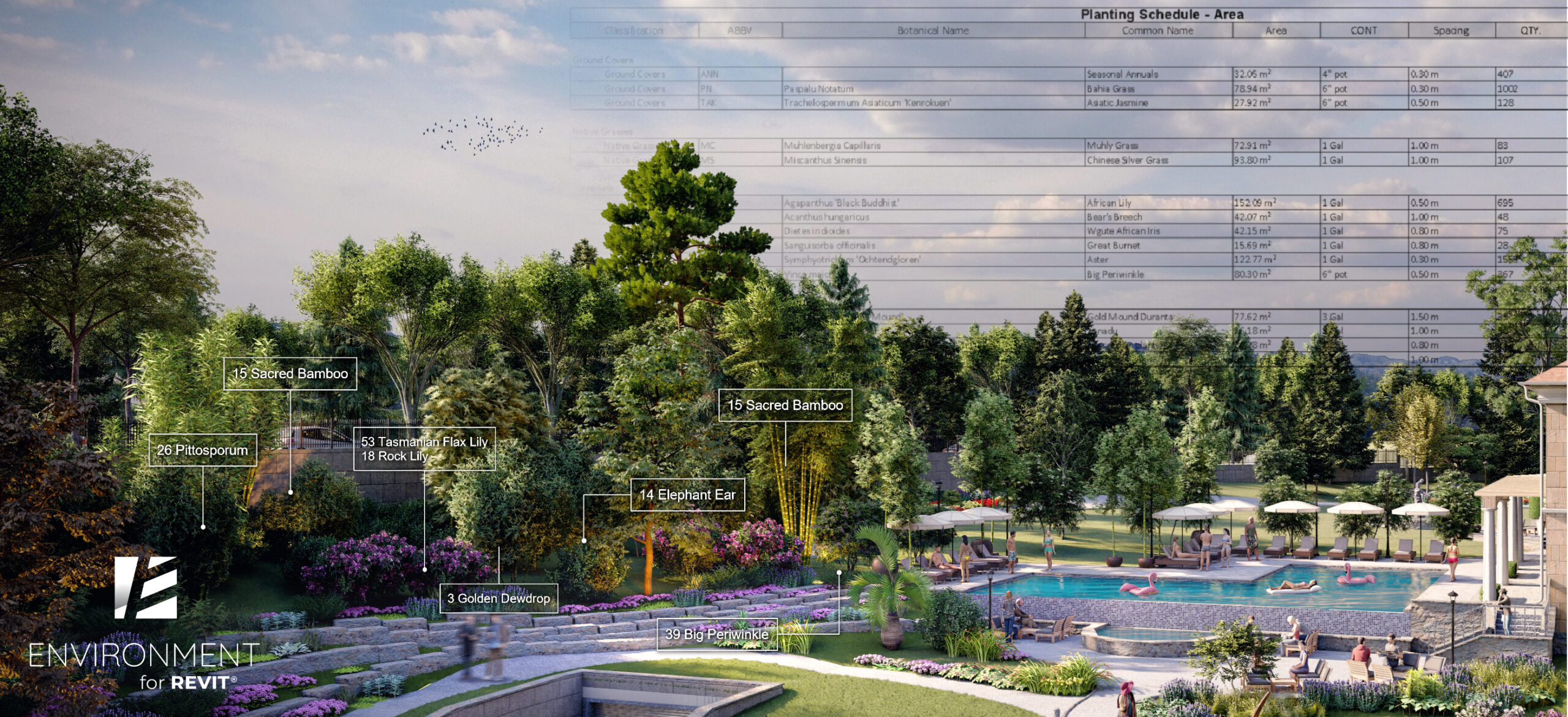
How Landscape Architects Can Leverage Data-Rich BIM Models For Better Planting Plans.
Are 3D models enough for today’s landscape architecture projects?
The landscape architecture industry is experiencing a surge in BIM adoption. A key driver is the growing demand for data-rich projects. In recent years, we have seen how this need for more detailed plans led to 3D models replacing 2D drawings. However, just 3D models alone are no longer sufficient. Landscape architects must provide a significant amount of additional meta-data to ensure the design meets project goals, such as sustainability, time, and budget.
A theoretical and practical guide on how to get it right, and why the ‘Set Coordinates’ tool was invented.
One of the main causes of confusion when it comes to Shared Coordinates, is that we often fail to geolocate our projects to begin with. And then, even when you do everything ‘by the book’, your Revit links might fall out of place for no apparent reason.
In this article, we will demystify the topic of Shared Coordinates in Revit, as well as provide the practical steps required for you to master Revit coordinates.
Building Information Modeling (BIM) has revolutionized the construction industry, offering a collaborative and data-rich environment for project delivery. But let’s face it, not every project starts within the rigid structure of BIM. For many designers, especially in the realm of conceptual design, the freedom and flexibility of Rhino, with its unparalleled capabilities for free-form shapes, rules. However, as projects progress, the need for BIM becomes inevitable. This creates an obstacle – how can we seamlessly translate those initial, creative ideas from Rhino into Revit- the BIM powerhouse?
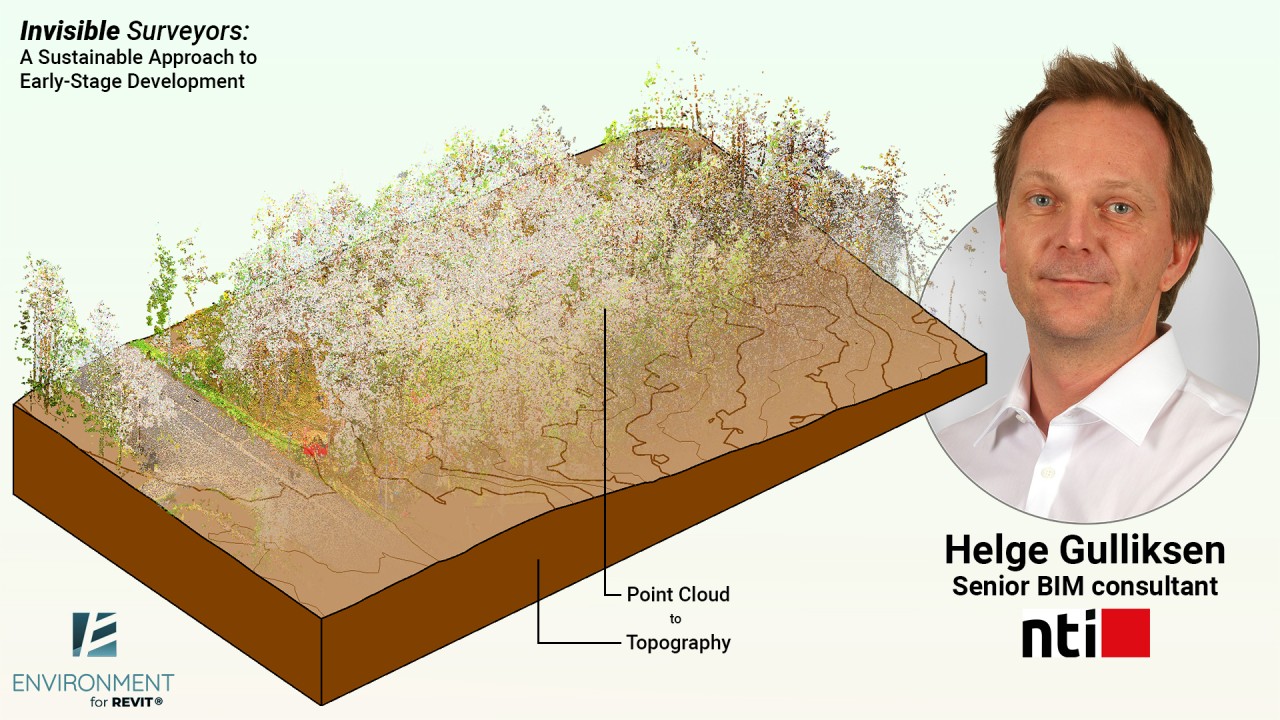
Can technology help model a site in the middle of the forest without impact and, more importantly, do it quickly?
Here’s a challenge: How to survey an area deep in the woods without harming the natural environment in the process and deliver a BIM model of the site in a record-breaking time?